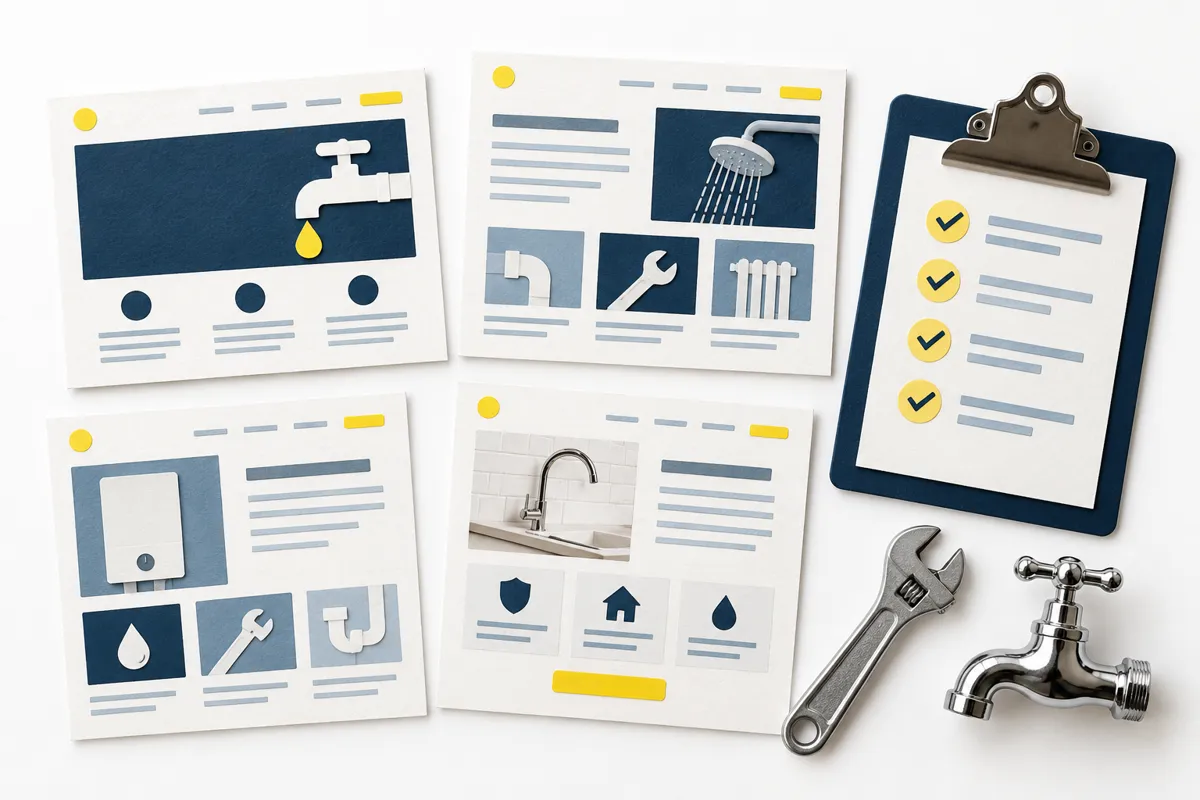
Choosing colours is often easier than deciding what a website needs to say. But a good-looking plumbing website still has to answer a few ordinary questions. Can you help with this job? Do you cover this area? How does someone contact you?
Getting those answers together before the design starts makes the brief clearer. It also helps you avoid a site full of general claims that could belong to any business.
You don’t need polished marketing copy to begin. A few accurate notes, some suitable photographs and a clear contact process are a useful starting point. Here’s how to organise them.
1. Say what sort of plumbing work you want
“Plumbing services” is a starting label, but it leaves a lot for the customer to guess. List the work you actually take on, then group related jobs together.
For example, a business might offer tap and toilet repairs, radiator work and bathroom plumbing. Another might focus on larger installations. Those are different briefs. Don’t copy a competitor’s full service list just because it looks comprehensive.
For each service, write three things: the type of job, anything a customer needs to know before enquiring and the next step. Explain any limits that help people contact the right business. If you don’t offer emergency call-outs or gas work, your wording should not suggest that you do.
An illustrative line could be: “Tap and toilet repairs in our local area. Tell us what’s happening and where you are, and we’ll discuss the next step.” It is more useful than “Complete solutions for all your needs”, without promising a price or arrival time you haven’t agreed.
2. Make your service area easy to understand
Give the places you genuinely cover. A short list of towns and nearby areas is often clearer than a large shaded map with no explanation. If you travel further for some kinds of work, say how customers can check.
Be careful with phrases such as “across the South East” if you normally work within a much smaller area. They can attract enquiries you can’t use. Likewise, don’t create a long collection of near-identical town pages simply to repeat place names.
Keep the information consistent with your business profiles. Google’s Business Profile guidelines distinguish businesses customers visit from service-area businesses that travel to customers. The guidance says a plumber operating from a residential address should hide that address on the profile. That is guidance for the Google listing; it doesn’t settle every business-information requirement for your website.
For the website brief, be clear about whether customers can visit you or should contact you first. Don’t accidentally present your home as a walk-in premises.
3. Show genuine evidence of your work
A few clear photographs of work you have completed can give a visitor something concrete to judge. Choose images that show the sort of jobs you want to attract, with enough context to understand what they are looking at.
A bathroom photograph might be accompanied by a short description of your part in the project. If other trades completed the tiling or electrical work, don’t imply it was all yours. Before-and-after photographs should describe the same job fairly.
Check permission before using customer photographs, and remove details you don’t need to show, such as paperwork, house numbers or personal belongings. Keep the original files so whoever builds the site can prepare versions that look good without making the page unnecessarily heavy.
Use real reviews and accurately described qualifications or memberships. A badge copied from another website is not evidence. If you don’t yet have photographs you can use, start with clear service information and add your own work later. Stock imagery can illustrate a service, but should not be presented as a completed customer job.
4. Explain who is turning up
A short introduction can help someone understand the business behind the phone number. Give the name you trade under, whether you work alone or as a team, and the kind of work you focus on.
Only include experience you can substantiate. You don’t need to stretch a short trading history into an impressive-sounding claim. A straightforward explanation of what you do and how you handle enquiries can be more reassuring than a paragraph of superlatives.
A real portrait or team photograph can help here, provided you are happy to use it. It doesn’t have to be a formal studio session. The important thing is that the image and description represent the people the customer is dealing with.
5. Decide what happens after someone gets in touch
A contact page needs more than a form. Explain what the customer should send and what happens next. For a first enquiry, that might be their name, a way to contact them, their area and a short description of the job.
Avoid asking for a long technical diagnosis. The customer may only know that something is leaking or not working. Let them describe the situation in ordinary words. If photos are useful, decide how you will receive them rather than adding an upload option you don’t check.
Make opening hours and response expectations realistic. A form submission is not a confirmed appointment. If you can’t promise an immediate response, don’t put “instant help” beside the button. Emergency wording should match a service you actually operate.
Before launch, check the contact route yourself on a phone. Can you read the number, use the form and understand the confirmation? Make sure somebody is responsible for monitoring the inbox. An attractive contact page is little use if its messages go unnoticed.
A simple page plan
You can arrange those answers into a small number of pages:
- Home: what you do, where you work, a little genuine evidence and a clear contact route.
- Services: the jobs you take on, useful distinctions and how to enquire.
- Areas covered: realistic coverage and any limits customers should check.
- About: the person or team and their relevant background.
- Contact: working details, helpful enquiry prompts and what happens next.
This isn’t a rule that every plumber needs five separate pages. A very small business may combine some sections. The test is whether someone can find the answer without hunting for it.
Our fictional Dave’s Plumbing demo shows one possible arrangement. Use it to think about the structure and customer journey, rather than treating its sample business details as content for your own site.
Your brief, ready to fill in
Before you speak to a website provider, collect these notes:
- Business: trading name, working contact details and who handles enquiries.
- Services: the main jobs you want, plus work you don’t offer where that matters.
- Coverage: your normal area and when someone should check before enquiring.
- Evidence: approved job photos, genuine reviews and current credentials you can verify.
- Introduction: who you are and a few accurate details about your background.
- Next step: what customers should send, who receives it and what you can realistically promise afterwards.
Then read the notes as someone who has never met you. Replace vague claims with helpful detail. That gives a designer something solid to work with and helps you spot missing information before launch.
If you’re deciding who should maintain the finished site, read our managed-versus-DIY guide. If you’d rather give those details to one person and have the website work handled, see our managed website service or let’s talk. no bother.